Example notebook for holographic phase mask generator
Generates a phase mask from an input image, using the Inverse Fourier Transform Algorithm, based on the Gerchberg-Saxton Algorithm to iterate the phase mask output according to an input intensity.
The produced phase mask may be used as a lithography mask, to be etched, for transmissive or reflective diffractive optical elements fabrication.
[1]:
# Notebook display options, change as your preference/system
%matplotlib inline
%config InlineBackend.print_figure_kwargs={'facecolor' : "w",'bbox_inches':None}

import matplotlib as mpl
mpl.rcParams['figure.dpi'] = 120
[2]:
from matplotlib import pyplot as plt
import numpy as np

import sys
sys.path.insert(0,'..')
sys.path.insert(0,'../..')

from scipy.constants import micro, nano, milli

from PIL import Image

import pyMOE as moe
Loading target image
[3]:
file = "target.png"

target = Image.open(file).convert("L")

size = 128
target = target.resize((size,size))
target = np.array(target)/255

plt.imshow(target)
[3]:
<matplotlib.image.AxesImage at 0x28e4209d7d0>

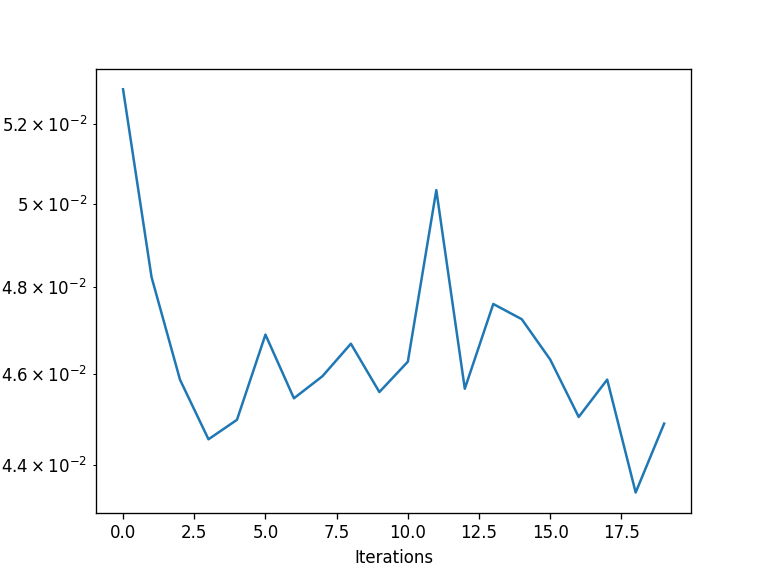
Calculating hologram phase mask using Gerchberg Saxton Algorithm
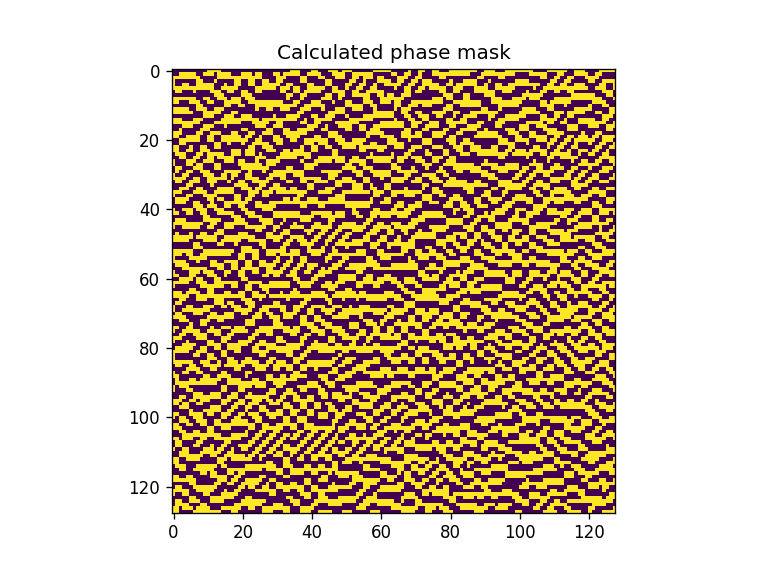
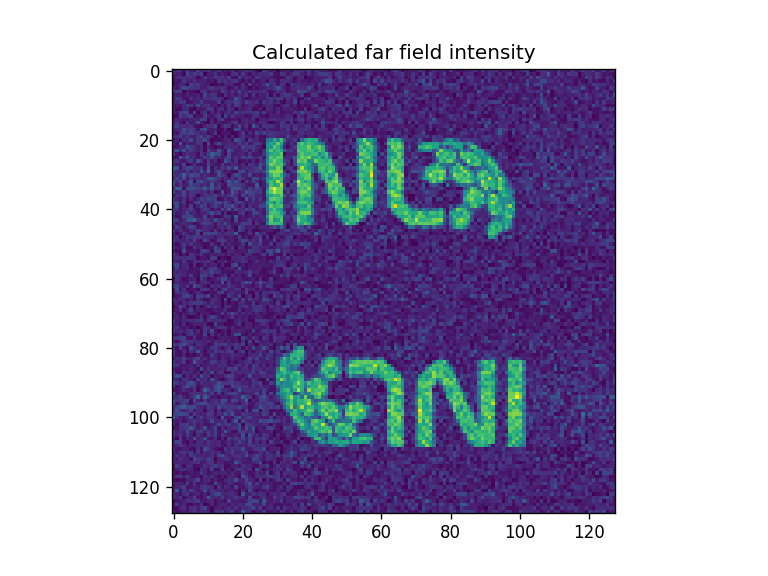
Using binary phase mask
[4]:
# Binary level phase mask
levels = 2

iterations = 20

levels = moe.utils.create_levels(-np.pi, np.pi, levels,)
phase_mask, errors = moe.holograms.algorithm_Gerchberg_Saxton(target, iterations=iterations, levels=levels)


plt.figure()
plt.semilogy(range(iterations), errors)
plt.xlabel("Iterations")
plt.ylabel("MSE between target and calculated intensities")

plt.figure()
plt.imshow(phase_mask)
plt.title("Calculated phase mask")

far_field = moe.holograms.calculate_phase_farfield(phase_mask)

plt.figure()
plt.imshow(far_field)
plt.title("Calculated far field intensity")
Progress: [####################] 100.0%
[Gerchberg Saxton Algorithm]
Elapsed: 0:00:00.133415
[4]:
Text(0.5, 1.0, 'Calculated far field intensity')
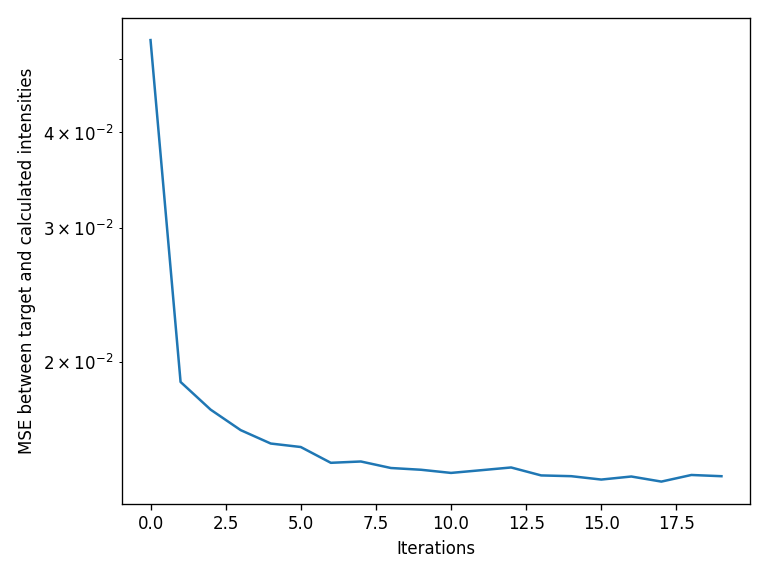
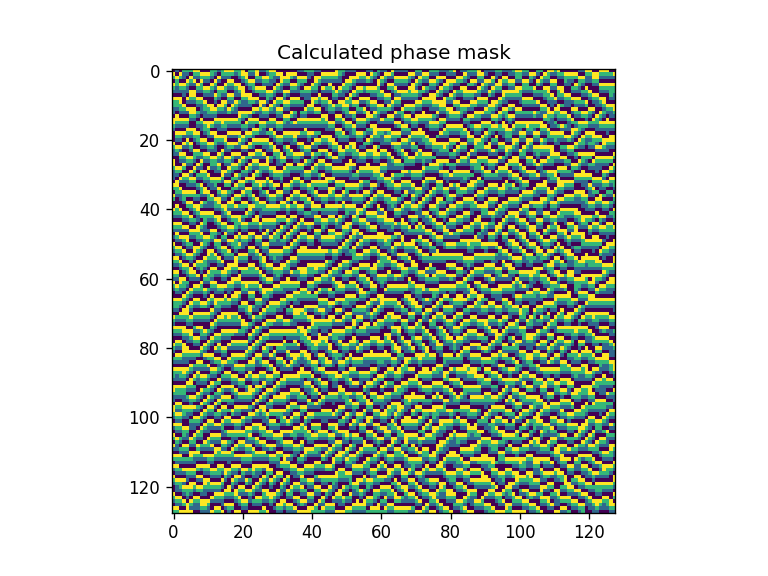
Using multilevel phase mask
[5]:
#### Multi level phase mask
levels = 4

iterations = 20

levels = moe.utils.create_levels(-np.pi, np.pi, levels,)
phase_mask, errors = moe.holograms.algorithm_Gerchberg_Saxton(target, iterations=iterations, levels=levels)


plt.figure()
plt.semilogy(range(iterations), errors)
plt.xlabel("Iterations")
plt.ylabel("MSE between target and calculated intensities")
plt.tight_layout()

plt.figure()
plt.imshow(phase_mask)
plt.title("Calculated phase mask")

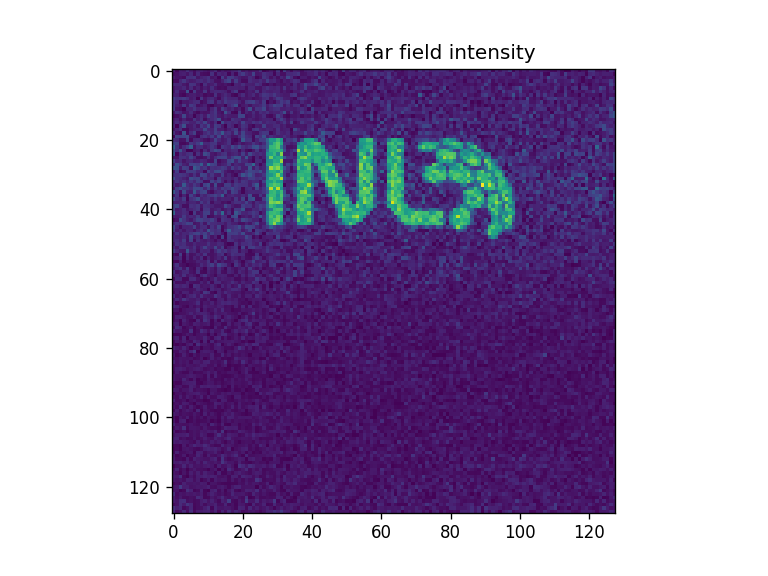
far_field = moe.holograms.calculate_phase_farfield(phase_mask)

plt.figure()
plt.imshow(far_field)
plt.title("Calculated far field intensity")
Progress: [####################] 100.0%
[Gerchberg Saxton Algorithm]
Elapsed: 0:00:00.150339
[5]:
Text(0.5, 1.0, 'Calculated far field intensity')
Creating aperture from calculated phase mask
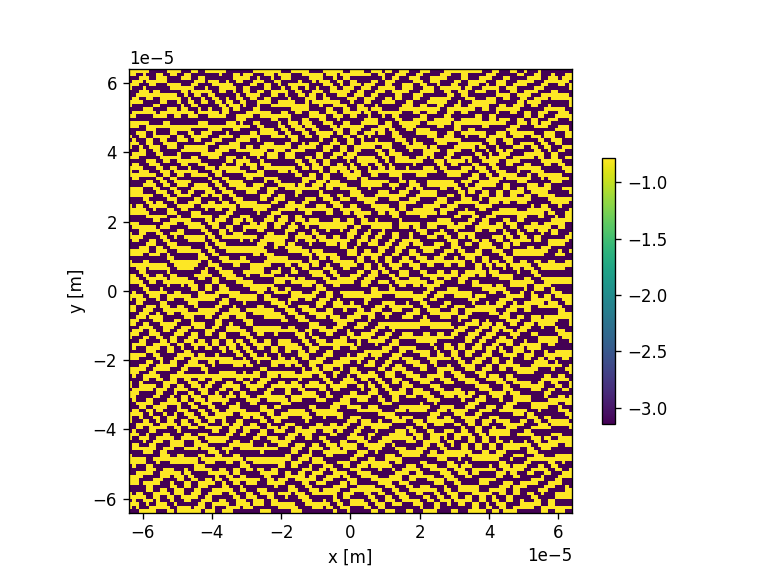
[6]:
#When working in cartesian axes with apertures, attention should be given to correct the image axes to match cartesian orientation
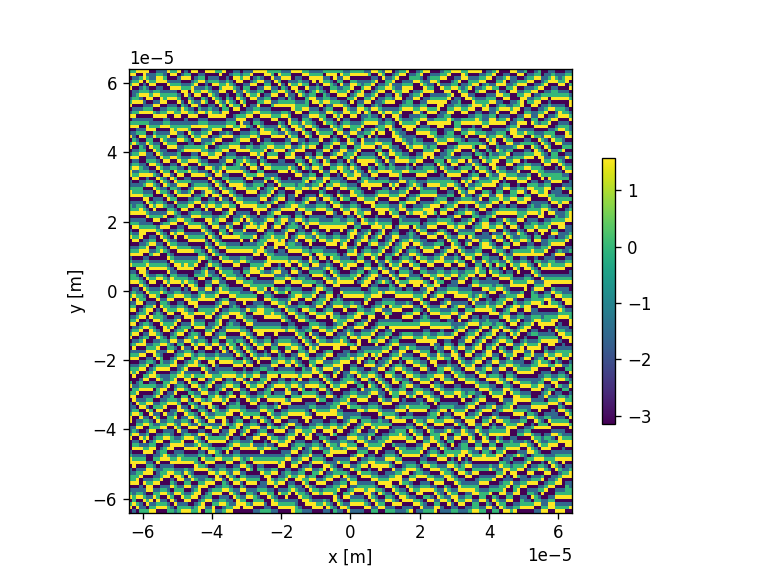
phase_mask = np.flipud(np.rot90(phase_mask))

mask = moe.generate.create_aperture_from_array(phase_mask, pixel_size=(micro,micro), center=True, )
moe.plotting.plot_aperture(mask, )

# Discretize to same levels as original
mask.discretize(levels)
moe.plotting.plot_aperture(mask, )

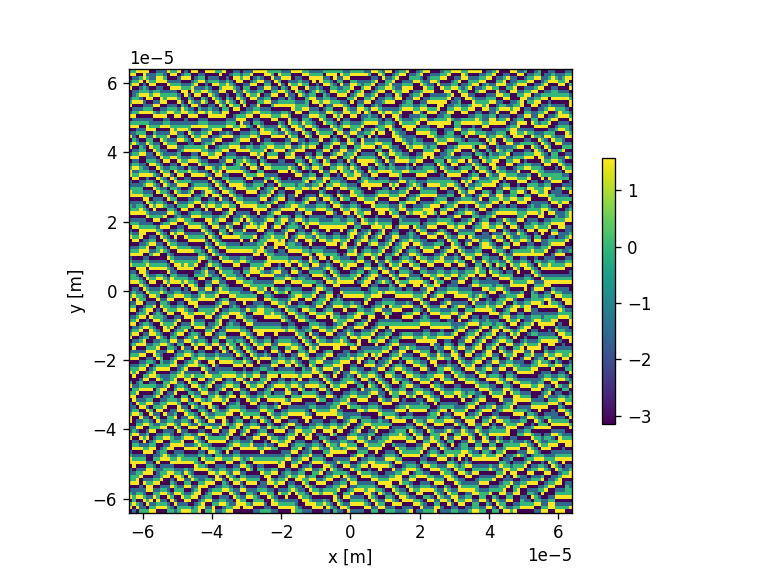
# Or discretize to lower number of levels
mask.discretize(2)
moe.plotting.plot_aperture(mask, )
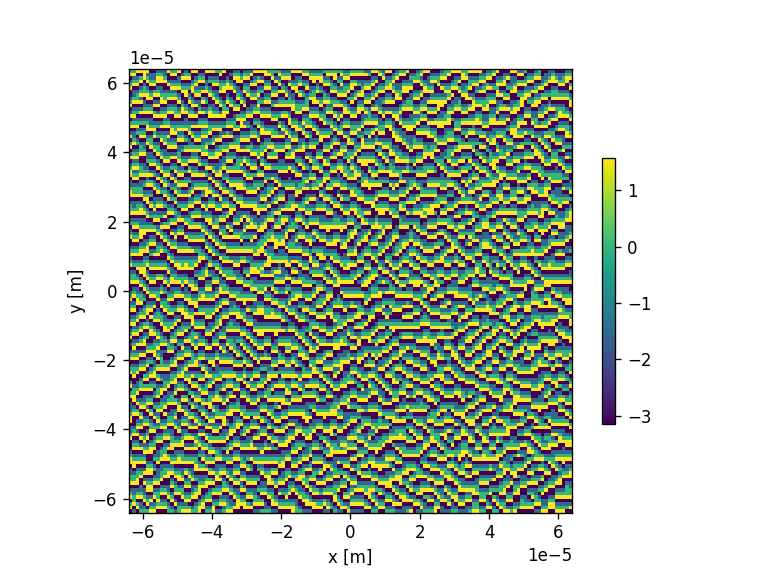
Create GDS layout from calculated phase mask
[7]:
mask = moe.generate.create_aperture_from_array(phase_mask, pixel_size=(micro, micro), center=True, )

# Discretize to same levels as original
mask.discretize(levels)
moe.plotting.plot_aperture(mask, )


# Create GDSMask
gdsmask = moe.GDSMask(mask)

# Create layout and merge polygons together
gdsmask.create_layout(merge=True)
<class 'pyMOE.aperture.Aperture'>
Mask has 16384 number of points distributed in 4 layers
Creating individual pixel polygons
Progress: [####################] 100.0%
[Create Polygons]
Elapsed: 0:00:00.206592
Merging polygons inside layers
Progress: [####################] 100.0%
[Merging polygons]
Elapsed: 0:00:00.078655
[Total time converting to GDS]
Elapsed: 0:00:00.286243
[7]:
<klayout.pyacore.Layout at 0x28e44a1ef50>
[8]:
# Saving layout to GDS file

gdsmask.write_gds("holomask.gds")
Saving file to holomask.gds
Saved holomask.gds
[Saving GDS file]
Elapsed: 0:00:00.008462
[ ]:
[ ]: